In the relentlessly competitive industrial apparel printing industry, downtime—often referred to in the trade as ‘make-ready time’—is undoubtedly the biggest enemy of your profit margins. Every minute that your automatic carousel or oval press sits idle for a setup, color change, registration alignment, or test print, is a minute where you are not producing garments. Meanwhile, your labor costs, rent, energy bills, and other overheads relentlessly tick away. Minimizing these setup times is therefore not just an operational optimization, but a fundamental requirement for a profitable, scalable screen printing production. In this article, we dive deep into the strategies, technologies, and best practices to drastically shorten your setup times.
The True Cost of Downtime Analyzed
Many printers underestimate the financial impact of changeover times. Let’s do the math to make the actual cost of inefficiency transparent.
Suppose your production team has an average downtime of 45 minutes per job changeover on a multi-color press. At five changeovers a day, you lose a staggering 3 hours and 45 minutes of valuable production time. In a standard eight-hour workday, this means your machine is not producing for nearly half of the time.
Assuming a modest production speed of 600 shirts per hour, this downtime represents a lost production of 2,250 printed shirts per day. When applying an average profit margin of €1.50 per shirt, your business is losing out on over €3,300 daily. On an annual basis (assuming 220 working days), this translates to a potential loss of over half a million euros in missed capacity.
By reducing your setup time from 45 minutes to 10 minutes per job, you reclaim almost 3 hours of daily production time. This immediately translates into a massive boost in net capacity, revenue, and most importantly, profitability. Optimizing your setup is not a luxury, but a sheer necessity.
Setup Optimization According to the SMED Method
The key to drastically reducing changeover times lies in the SMED (Single-Minute Exchange of Die) method. This is a core concept from lean manufacturing originally developed by Toyota, but perfectly applicable to the screen printing world. The goal of SMED is to complete every changeover in under ten minutes (hence “single-minute”).
This is achieved by strictly dividing all setup tasks into two categories:
- External tasks: These are tasks that can—and should—be performed while the press is still running and producing the previous job.
- Internal tasks: These are the physical tasks that can only be executed when the press is completely stopped.
The golden rule of SMED is: Move as many internal tasks as possible to external tasks.
Perfecting External Tasks
While your automatic press is printing Job A, your assistant operator (‘catcher’ or ‘ink tech’) should already be busy preparing Job B. This includes:
- Mixing and staging inks: Ensure all Pantone colors are perfectly mixed, checked, and staged in the correct order near the machine.
- Inspecting and staging screens: Pull the screens for the next job from the rack, check them for pinholes, and tape them off. Place them in the exact order they need to be mounted on the machine.
- Preparing squeegees and floodbars: Inspect the rubber of the squeegees for damage, ensure the correct durometer per color, and lay out the floodbars.
- Sorting garments: The boxes containing the apparel for the next job should be open and within arm’s reach next to the loading station.
By performing these tasks externally, you ensure that the moment the last shirt of Job A rolls off the belt, the team can strike like a Formula 1 pit crew to reconfigure the machine.
The Importance of Pre-Registration Outside the Machine
One of the most time-consuming ‘internal’ tasks is bringing the various screens into register (alignment) on the press. Manually adjusting, test printing, micro-registering, and re-testing can easily consume 20 to 30 minutes for a six-color design.
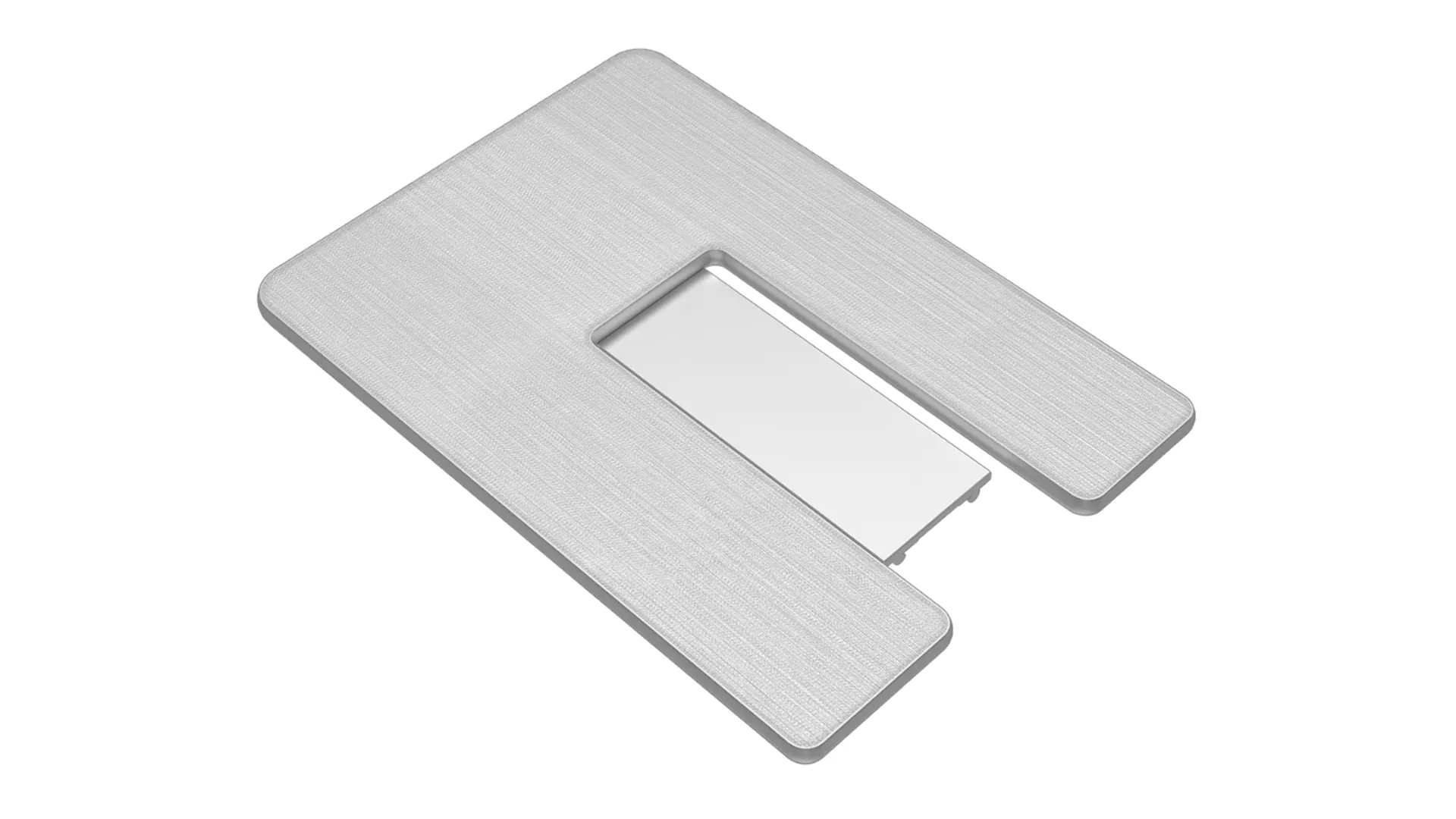
The biggest time savings are therefore achieved by moving the registration alignment to the prepress department. This starts in the darkroom. By utilizing a reliable pre-registration system and registration pins (such as the ROQ PRU - Positive Registration Unit system), films are exposed in the exact same position on the screen.
The ROQ PRU system allows prepress staff to precisely align the exposed and washed-out screens based on optical markers and a pin system, before they even enter the print shop floor. When the operator then slides the screens into the press, they fall into near-perfect register almost instantly thanks to the corresponding pins in the printheads.
Manual shifting using the micro-registration knobs on the press is thus reduced to millimeter adjustments, and sometimes it’s entirely unnecessary. A single test print is often enough to start production. This transforms a painful half-hour standstill into a smooth transition lasting just a few minutes.
Standard Operating Procedures (SOPs) and Team Training
Technology alone is not enough; your team must also work in a standardized manner. Standard Operating Procedures (SOPs) ensure that every employee knows exactly what needs to be done, in what order, and by whom.
Consider the following:
- Screen tension standardization: Screens with inconsistent tension will always cause registration issues on the press, regardless of how good your pre-registration system is. Maintain a minimum tension of, for example, 25-30 Newtons.
- Standardized squeegee angles and pressure: If operators don’t have to constantly tweak the squeegee angle, speed, and pressure to get a solid opaque color, it saves a considerable amount of setup time.
- Clear role division: Define exactly who removes the old screens, who cleans them, who places the new screens, and who adds the ink. A well-trained duo (operator and assistant) can execute a six-color changeover in less than five minutes simply by not stepping on each other’s toes.
Mechanical Time Savers on ROQ Presses
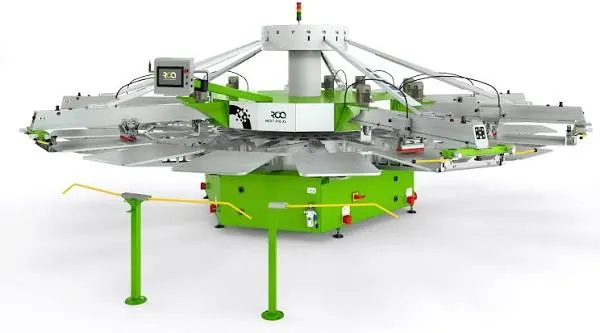
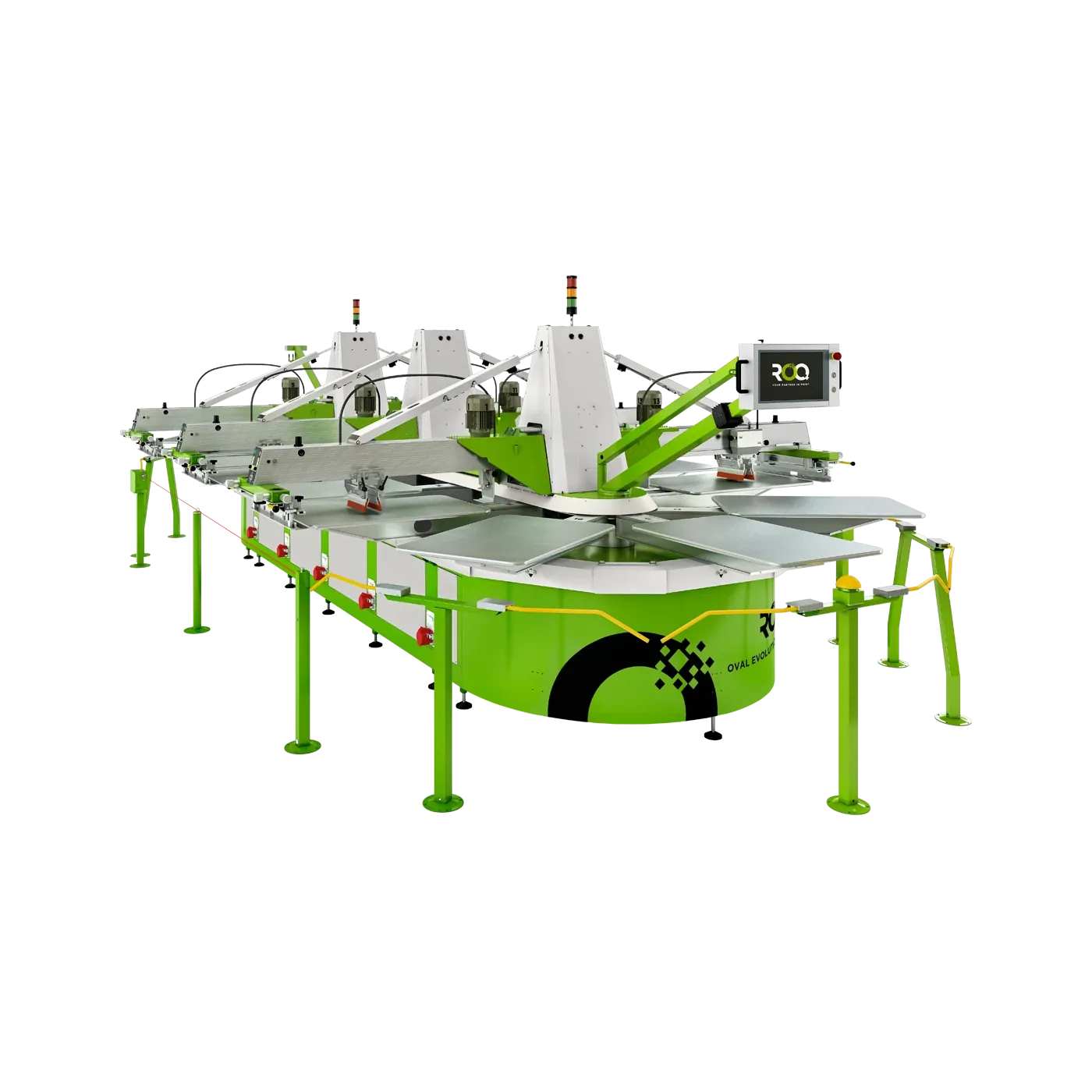
Modern automatic presses, such as those from ROQ, are fundamentally designed with the SMED philosophy in mind. They incorporate numerous mechanical innovations that minimize physical actions during a setup:
- Tool-less adjustments: ROQ presses are equipped with smart, robust quick-release mechanisms for both the pallets (platens) as well as the squeegees and floodbars. You no longer need wrenches or Allen keys to change a squeegee or adjust the stroke length. Everything works with smooth clamping levers.
- Central touchscreens: Whereas operators used to have to walk to each individual printhead to change settings (speed, number of strokes), on ROQ presses almost everything can be configured from the central command center.
- Rapid pallet changes: Thanks to the honeycomb aluminum design and rapid locking systems, pallets for sleeve printing or children’s clothing, for instance, can be swapped out in a fraction of the time compared to older machines.
This ensures that the physical changeover time per printhead is reduced to less than 30 seconds, providing an unprecedented uptime for your production line.
Conclusion
Minimizing setup times is not magic, but the result of disciplined processes, the right technology, and proper training. By tackling downtime through the SMED method, investing in a solid pre-registration system like the ROQ PRU, and taking advantage of the tool-less innovations of modern printing presses, you can drastically increase your production capacity.
Your screen printing shop will transform from a stressful working environment with frequent hiccups into a smoothly running profit machine. Analyze your setup times today, identify the bottlenecks, and start streamlining your process. Every minute counts in the battle for the best margins.
Want to learn more about these screen printing solutions?
Explore the technical specifications of ROQ FEED and ROQ PULL or contact the specialists at Dimix.Screen for tailored advice or a live demonstration.
Featured & related machines
Discover the industrial systems and solutions related to this topic:
ROQ PULL
Automated take-off arm that unloads printed garments from platens directly onto conveyor dryers.
ROQ PRU
Positive Pattern Registration Unit reducing press setup and make-ready times by up to 80%.
ROQ FEED
Automated garment feeding arm ensuring consistent placement and continuous press productivity.